

What this controls
Interview Results Templates let you define which results fields appear and in what order across:- Results emails
- ATS notes
- Interview PDF summaries
Manage templates
Use Admin → Templates Bank → Interview Results Templates to manage the templates available to your organization.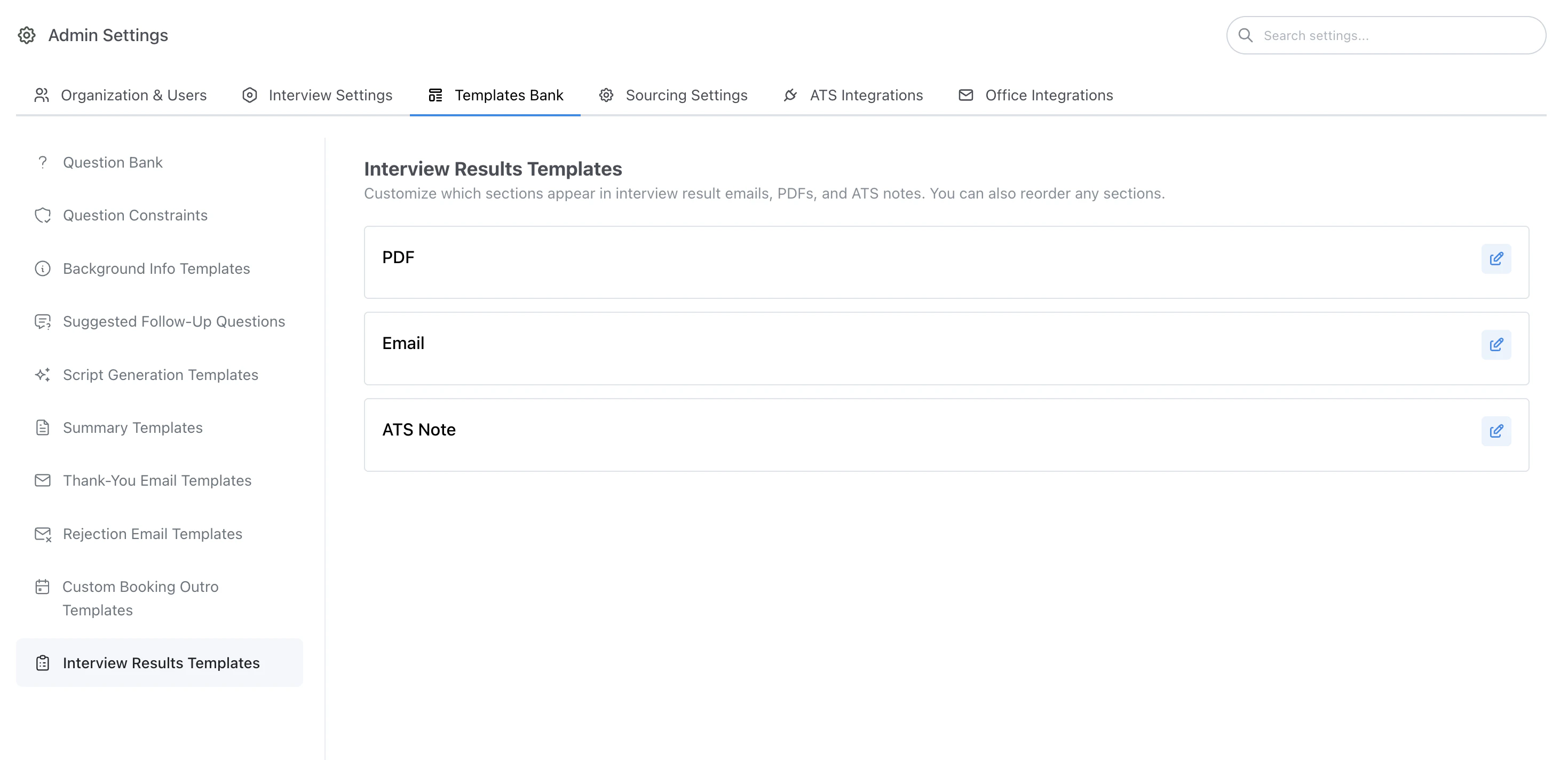
Interview Results Templates management
Edit a template
You can edit an existing template to change the included fields and ordering.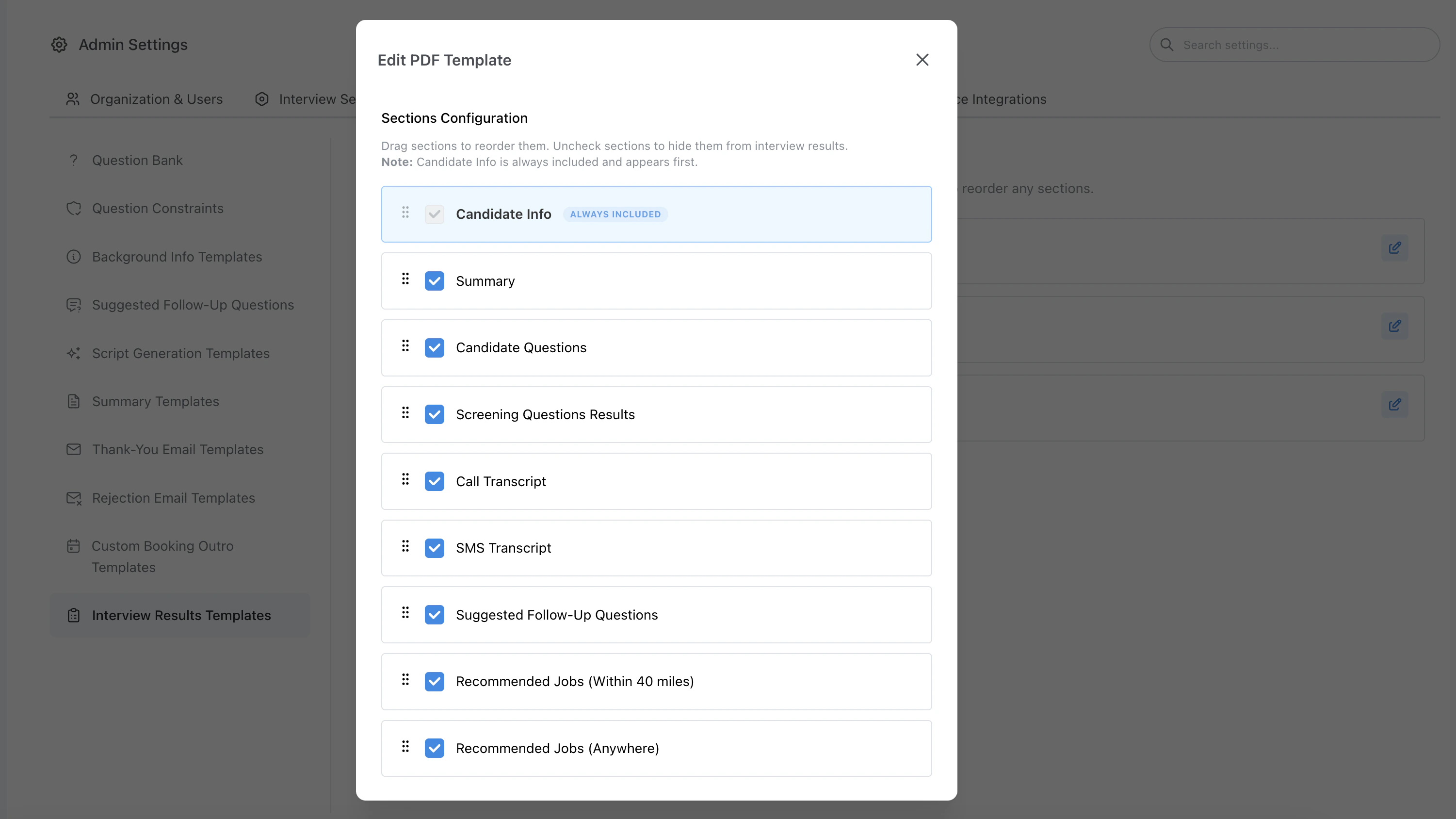
Edit Interview Results Template example
Include resume on results email
For the email results template, you can optionally attach the candidate’s resume to the interview results message recruiters receive. This is controlled per template when editing the email-type interview results template (alongside section selection and ordering). When enabled, the resume file that was collected for the candidate is included as an attachment on the results email, which can save recruiters a click when reviewing outcomes.Action buttons on results email
For the email results template, you can choose whether recruiters see Accept Candidate and Disposition Candidate buttons on the results email, directly after Candidate Info. This is on by default.Preferred name
When a candidate has a preferred first name that differs from their legal first name, it appears in Candidate Info as Preferred Name on results emails, interview PDF summaries, and ATS notes.Template types (PDF, email, ATS note)
Your organization can maintain separate interview results templates for each delivery surface:- PDF — formatting for downloadable interview summaries
- EMAIL — body sections, optional resume attachment for recruiter notifications, and optional Accept/Disposition buttons
- ATS note — which fields are pushed into the ATS candidate record