

Background Info Templates
Background Info templates provide your AI recruiter with essential information about your organization to reference when answering candidate questions. Admins use background info templates for two primary use cases:- Information accessible to the AI to answer questions about the company or roles
- Instructions for the AI to follow to answer common candidate questions (e.g. “If the candidate asks about visa sponsorship, let them know that …”)
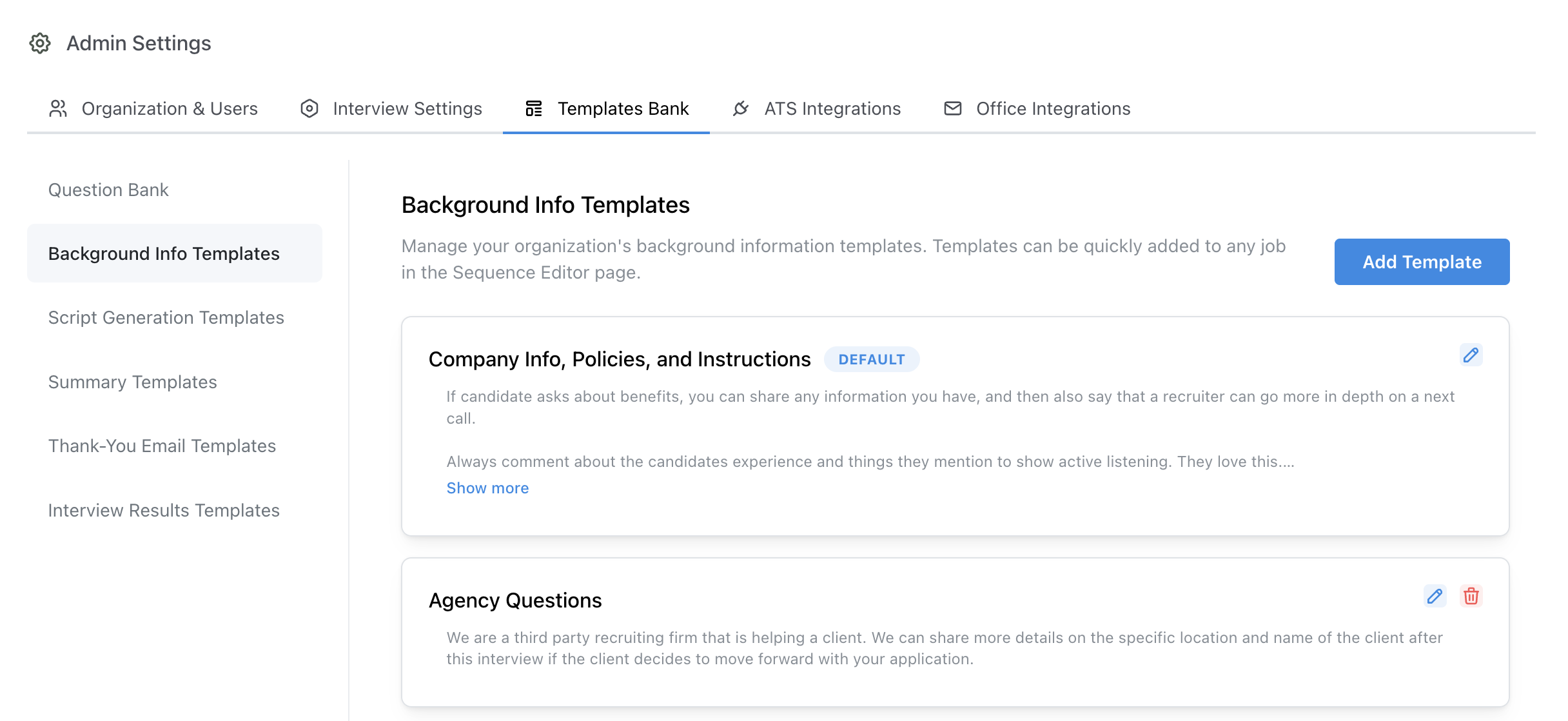
Job > Configure > Background Info
Where the AI uses background info
The background info attached to a job reaches every message the AI writes to a candidate for that job: phone and video interviews, and the text messages and emails it sends around them (scheduling, follow-ups after a missed or incomplete call, and replies). Job-specific facts belong in the templates attached to that job; facts that are true for every job belong in the Default template.Configuring Background Info Templates
Your organization comes with an empty Default background information template. This template is automatically added to all jobs. Typically this template is used for standard information about the organization that will apply to all jobs and standard practices you’d like the AI recruiter to follow when communicating with candidates. In addition to the default template, admins may create additional specific templates for specific sets of roles. For example, a customer may want to provide the AI with information about each of their offices, and therefore create a template for each office.Adding Templates to Jobs
Templates may be added to a job in the Background Info step of the configuration page.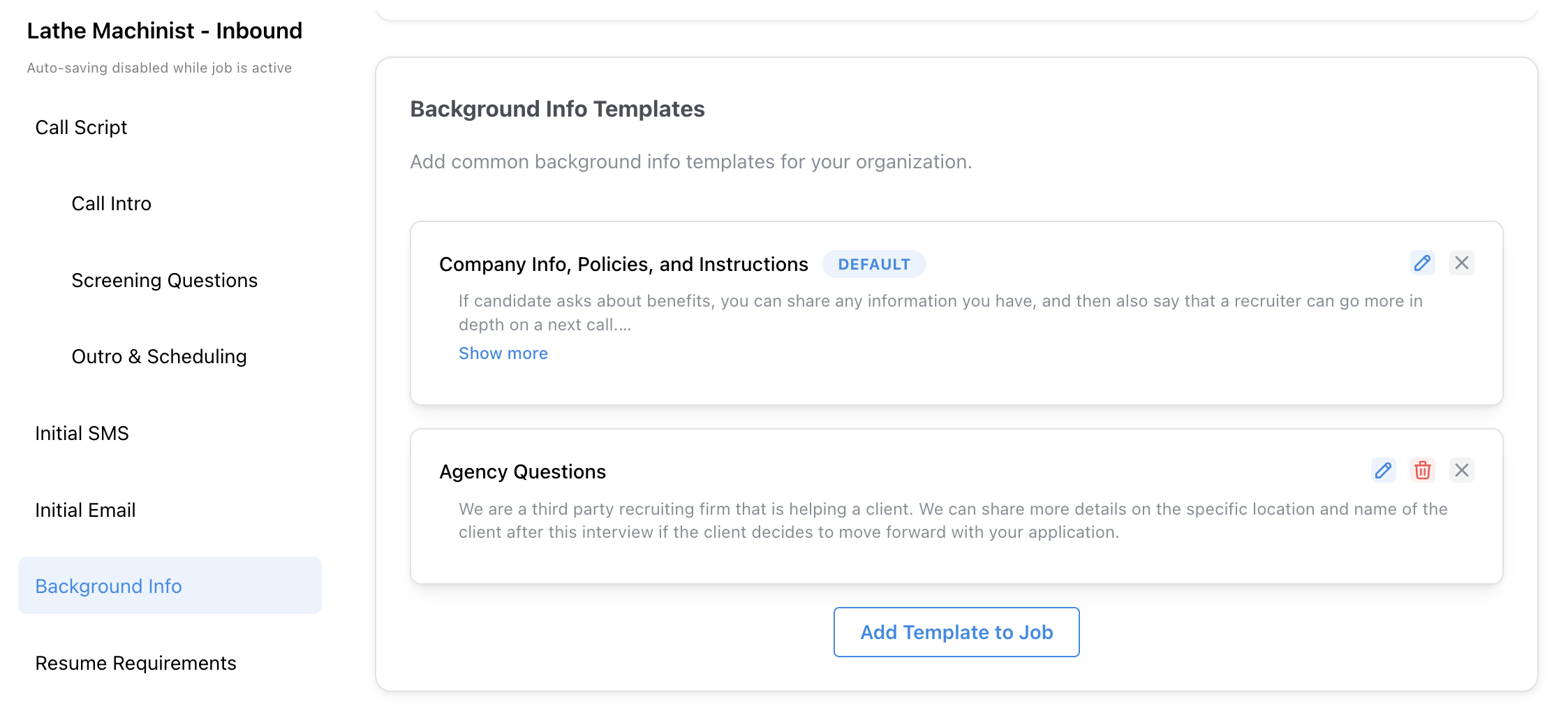
Job > Configure > Background Info
Supported variables
Background Info templates are filled in when a job is known (config time), before any candidate is involved. You can use:- General variables available at config time (for example
{{job_name}},{{company_name}},{{ai_name}}) - Bare ATS / job attribute paths from your job schema (for example
{{location.city}}) job.*aliases for those same job attributes (for example{{job.location.city}})- Lookup-table variables (
{{label.column}}) that match on the job - Custom variables whose inputs are all available at config time
{{ in the instructions field to insert any of these. Prefer an or "…" fallback on lookup or optional job fields so the AI still has a value when a match is missing — for example {{state_lookup.base_pay_rate or "$18.00/hr"}}.
These are not available in Background Info templates (they need a candidate or an active call):
candidate.*and send-stage names like{{candidate_name}}application.*call.*- Custom variables that depend on candidate, application, or call inputs