

Overview
Standalone Sourcing is a free-form AI sourcing surface accessible from the Sourcing entry in the side navigation. Unlike the per-job Sourcing tab, it does not require an existing job — you describe the role you have in mind in plain language and the AI agent extracts requirements and surfaces matching candidates from your ATS. It is intended for exploration and discovery: qualifying a role before opening a job, talent-mapping, or sourcing for prospective work where there is no active requisition yet.Starting a Search
Navigate to Sourcing in the side navigation. You will see an empty state asking:What kind of candidate are you looking for?Describe the candidate you have in mind in your own words — there’s no required format and no length limit, so include whatever context feels relevant. For example:
“Senior backend engineer with 5+ years of Python and distributed systems experience, located in or near San Francisco.”Click Start AI Sourcing (or press ⌘ + Enter / Ctrl + Enter) to begin. The AI agent will extract requirements from your description and surface matching candidates.
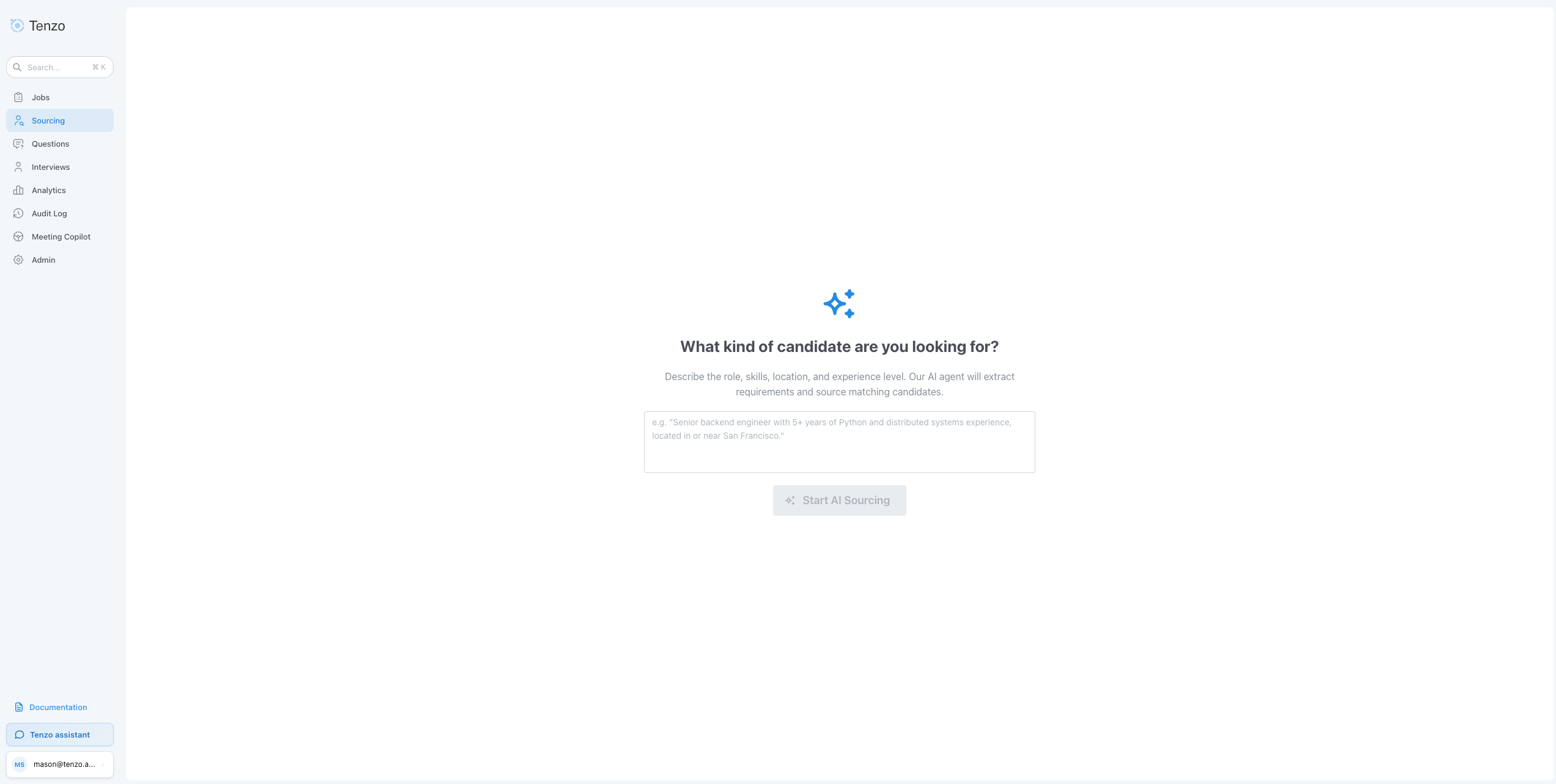
Sourcing > Empty state
Refining Results
Once results load, the experience mirrors the per-job sourcing tab:- The AI’s extracted requirements are shown and can be edited, marked required vs nice-to-have, or removed.
- Filters such as location, years of experience, management level, last note date, and any organization-configured ATS field filters are available to narrow the result set. Tenzo does not pre-set the management level for a standalone search; set it yourself when you want it.
- Updating requirements or filters re-runs the search.
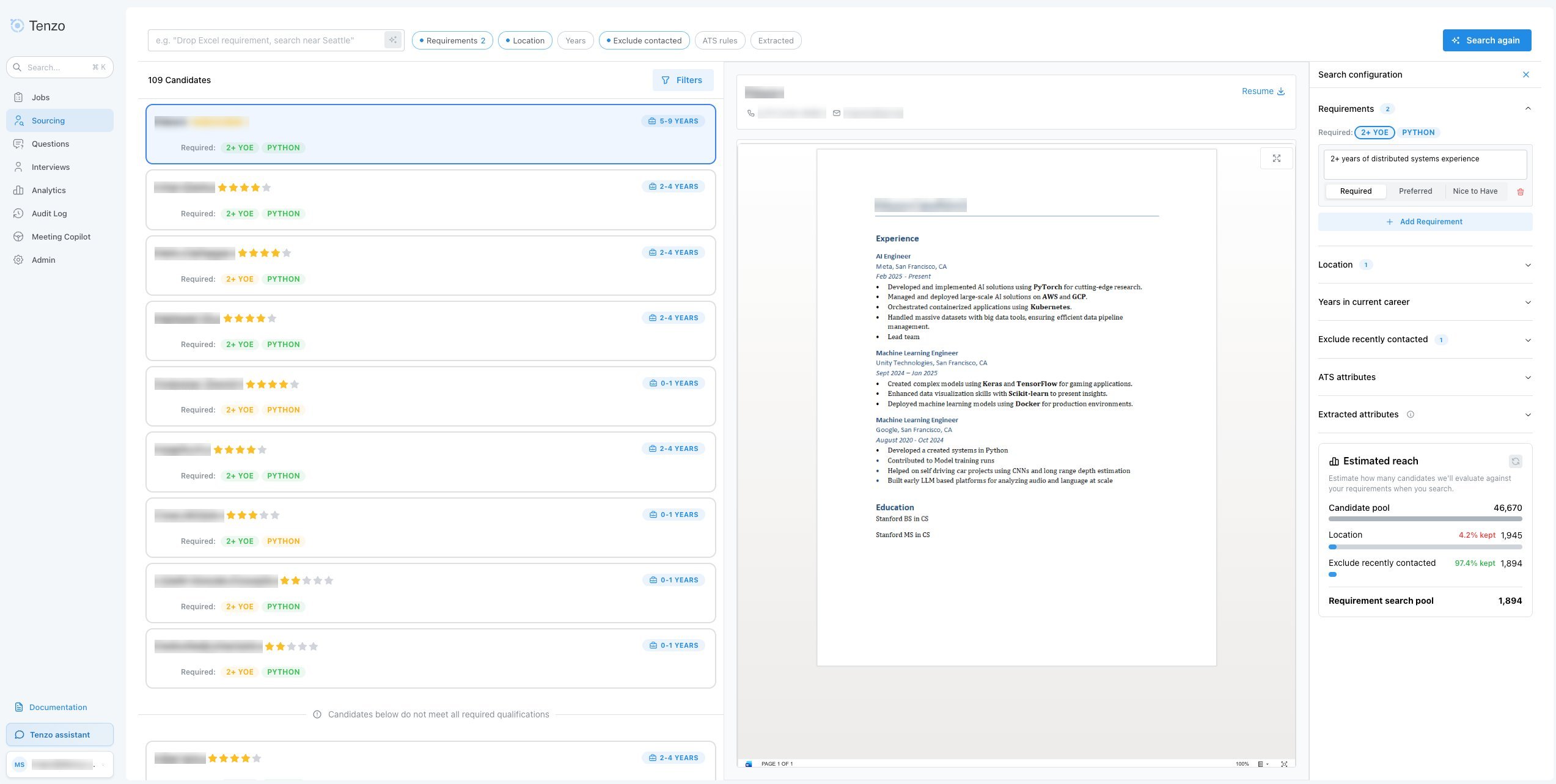
Sourcing > Populated results
Adding Candidates to a Job
Each candidate row includes a green + button. Click it to open a job picker, search for the target job, select it, and click Add. The candidate is added as a sourced candidate on that job. Standalone sourcing adds one candidate at a time and lets you choose any job. The per-job Sourcing tab adds candidates to the open job and supports bulk add via row checkboxes.Sessions and Shareable Links
Each search creates a session, reflected in the URL as/sourcing?session=<id>. Refreshing the page, opening the URL in a new tab, or sharing the link with a teammate re-opens the same search with the same requirements and filters. The original job description you typed is remembered locally so requirement re-extraction continues to work after a refresh.
Differences From Per-Job Sourcing
Rules of Engagement configured by an Organization Admin (including the Last Note Date filter and any ATS field filters) apply to standalone searches the same way they apply to per-job searches.
When to Use Which
- Use the per-job Sourcing tab when you are actively staffing a specific open role and want to add candidates straight into that job’s outreach — including bulk add.
- Use Standalone Sourcing when you want to explore the candidate database, validate that a prospective role is fillable before opening it, or source without a dedicated job yet. You can add individual matches to any job from the results.