

Adding Candidates to a Job
Most candidates reach a Tenzo job automatically — through your ATS sync, the sourcing agent, or the public application API. The Add Candidates button is for everything else: ad-hoc additions, non-ATS jobs, smoke-testing the candidate experience end to end, or pasting a list from a recruiter’s spreadsheet. Click the Add Candidates button at the top right of any job page to open the modal. It offers the same options for both phone and video interview jobs, with a few differences called out below. You can also upload a CSV of candidates across various jobs from the home page — see Upload Candidates Across Jobs.
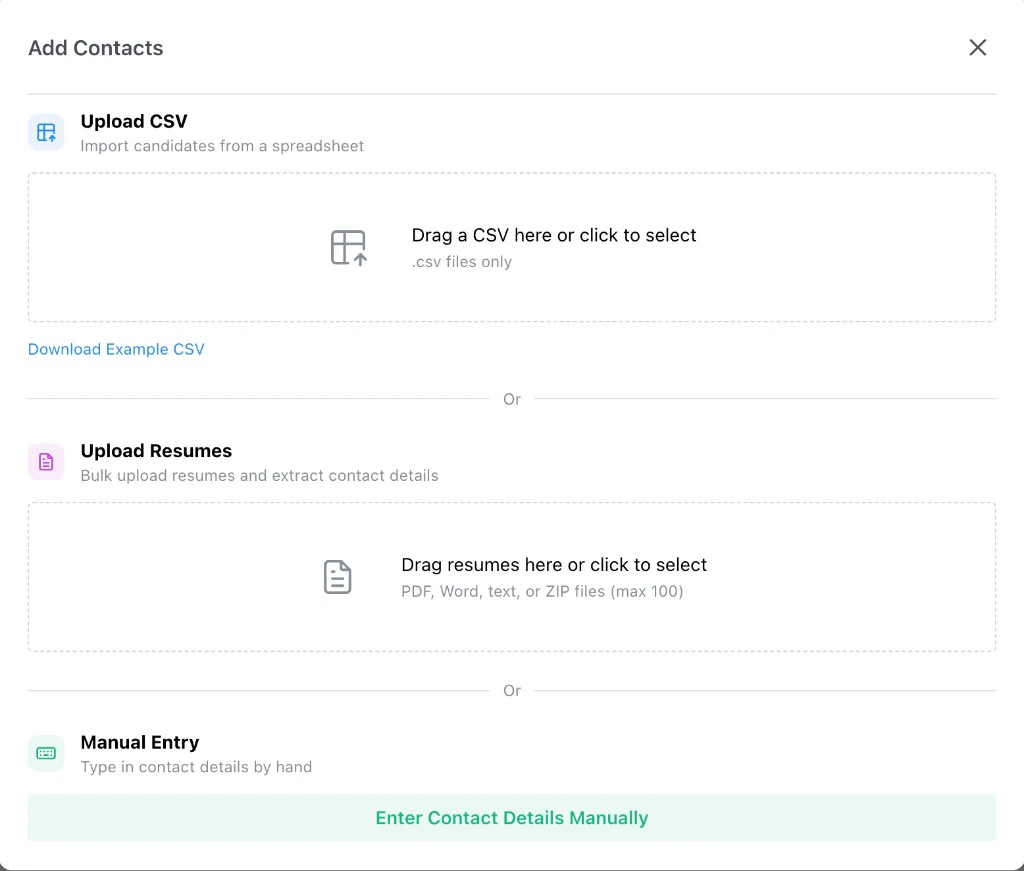
Upload CSV
Use Upload CSV when you already have candidate contact information in a spreadsheet. Drag a.csv file into the dropzone or click to choose one. Only .csv files are accepted, one file
at a time.
The CSV can include any of these columns. Only the columns you fill in are required, and unknown
columns are ignored:
Click Download Example CSV under the dropzone to download a sample. The sample is tailored
to the job type — a phone-call template for phone jobs and an email-based template for video
jobs.
After you select a file, Tenzo previews the parsed contacts so you can review valid rows, fix
invalid ones, and decide what to do with candidates that already exist on this or other jobs
before submitting.
Upload Resumes
Use Upload Resumes when you have resume files but no contact spreadsheet. The Add Contacts modal accepts PDF, Word, and text files, plus ZIP archives for larger batches.Individual resume files
For smaller batches, drag in individual resume files (or click to select them). Up to 100 files per upload, with a 5 MB limit per file. Tenzo extracts the candidate’s name and contact details from each resume immediately and presents them in the same review-and-fix flow as a CSV upload. The original resume file is also attached to each candidate so it appears on their interview review page later.ZIP bulk import
For large handoffs — a recruiter folder, an event sign-up dump, or any archive with hundreds or thousands of resumes — upload a single ZIP file instead. ZIP imports support archives up to 5 GB and 5,000 resume files inside. Archives over either limit are rejected. The flow works asynchronously:- Upload. Tenzo sends the ZIP to secure storage. Keep this tab open until the upload finishes — closing the browser during the upload cancels it.
- Background processing. Tenzo unpacks the archive and extracts contact details from each supported resume in the background.
- Progress. While processing runs, Tenzo shows how far along the import is. Large archives can take several minutes. You can close the Add Candidates modal and reopen it on the same job to pick up progress; the import keeps running in the background.
- Review and add. When processing completes, Tenzo presents the extracted contacts in the same review-and-fix flow as CSV or individual resume uploads. Fix invalid rows, resolve duplicates, then submit to add candidates to the job.
- You only have resumes, not contact lists.
- You want resumes attached to candidates from the start so the resume requirements can score them automatically.
- You have a recruiter handoff that came as a folder or ZIP of resumes.
Manual Entry
Use Manual Entry to add a single candidate by hand. Click Enter Contact Details Manually to open a short form. The form has:- Resume (optional): Drop a PDF, Word, or text file (up to 5 MB). When attached, Tenzo auto-fills the rest of the form from the resume.
- Name: Required.
- Phone: Required for phone interview jobs.
- Email: Required for video interview jobs, unless SMS/WhatsApp invite delivery is enabled — then either an email or a phone number is accepted.
- Timezone: Optional.
- Postal code: Optional. Accepts international postal codes (for example
75001) as well as US ZIP codes when provided. - Contact Source: Whether the candidate is being added as an applicant or sourced.
Permanent Interview Links (Video Jobs)
For video interview jobs only, the Add Candidates modal also includes Permanent Interview Links. Use these when you want to send one shareable link instead of adding candidates one by one. There are two links:- Applicant — candidates who use this link are added as applicants.
- Sourced — candidates who use this link are added as sourced.

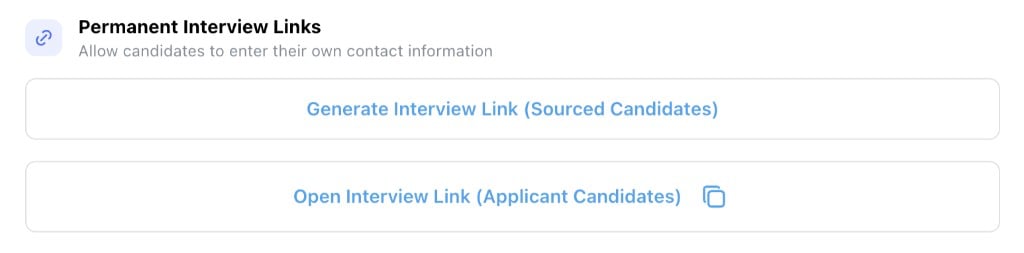
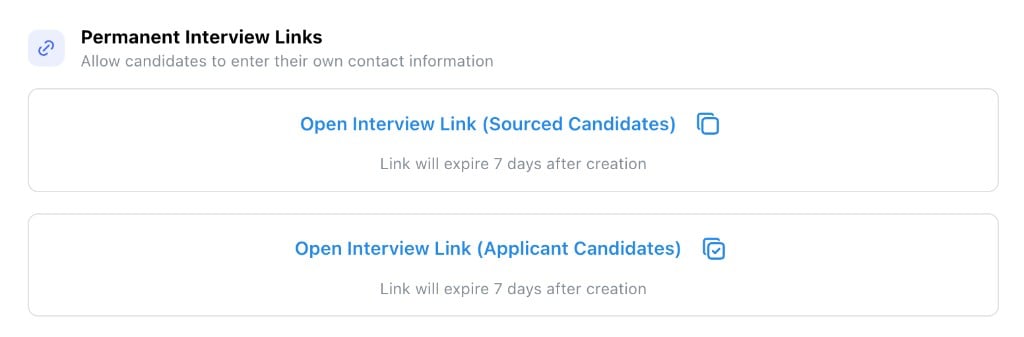
- Lets candidates fill in their own contact details, which adds them to the job automatically.
- Sends them straight into the video interview once they submit.
Upload Candidates Across Jobs
Upload a CSV of candidates across various jobs from the home page: open Create New and choose Upload Candidates (below Video Call). You need manage candidates permission on every job you are uploading into. Rows for jobs you cannot manage are skipped with an error; the rest of the file still proceeds. The CSV uses the same contact columns as a single-job upload (name, phone, email, SMS consent, and the optional fields above), plus columns that map each row to a job:
Each row needs at least one of Job ID or Job name. Matching rules:
- If Job ID is present and matches the job’s ATS remote job ID, that job is used.
- Otherwise, if Job ID matches Tenzo’s ATS integration job ID for the job, that job is used.
- Otherwise, if Job name is present, Tenzo matches on that name.
- If several jobs share the same name, Tenzo picks the Active one.
- If more than one Active job shares the name — or none are Active and more than one inactive job shares the name — that row is skipped with an error and the rest of the upload continues.
After Adding Candidates
Newly added candidates appear in the Candidates tab with a Pending call status. Once the job is Active, Tenzo starts contacting them via the configured outreach method (phone, SMS, or video interview link).Activate the job: A job has to be Active for outreach to start. If you’re adding candidates to a brand-new job, click Activate after you’ve finished configuring it.For more on the Candidates tab itself — columns, scores, comments, bulk actions, and the interview review — see Interview Results Table and Reviewing an Interview.