> ## Documentation Index
> Fetch the complete documentation index at: https://f4c7a9e2d8b1-docs.tenzo.ai/llms.txt
> Use this file to discover all available pages before exploring further.
# Background Info Templates
> Configure organizational context for AI recruiters
## Background Info Templates
Background Info templates provide your AI recruiter with essential information about your organization to reference when answering candidate questions.
Admins use background info templates for two primary use cases:
* Information accessible to the AI to answer questions about the company or roles
* Instructions for the AI to follow to answer common candidate questions (eg. "If the candidate asks about visa sponsorship, let them know that ...")
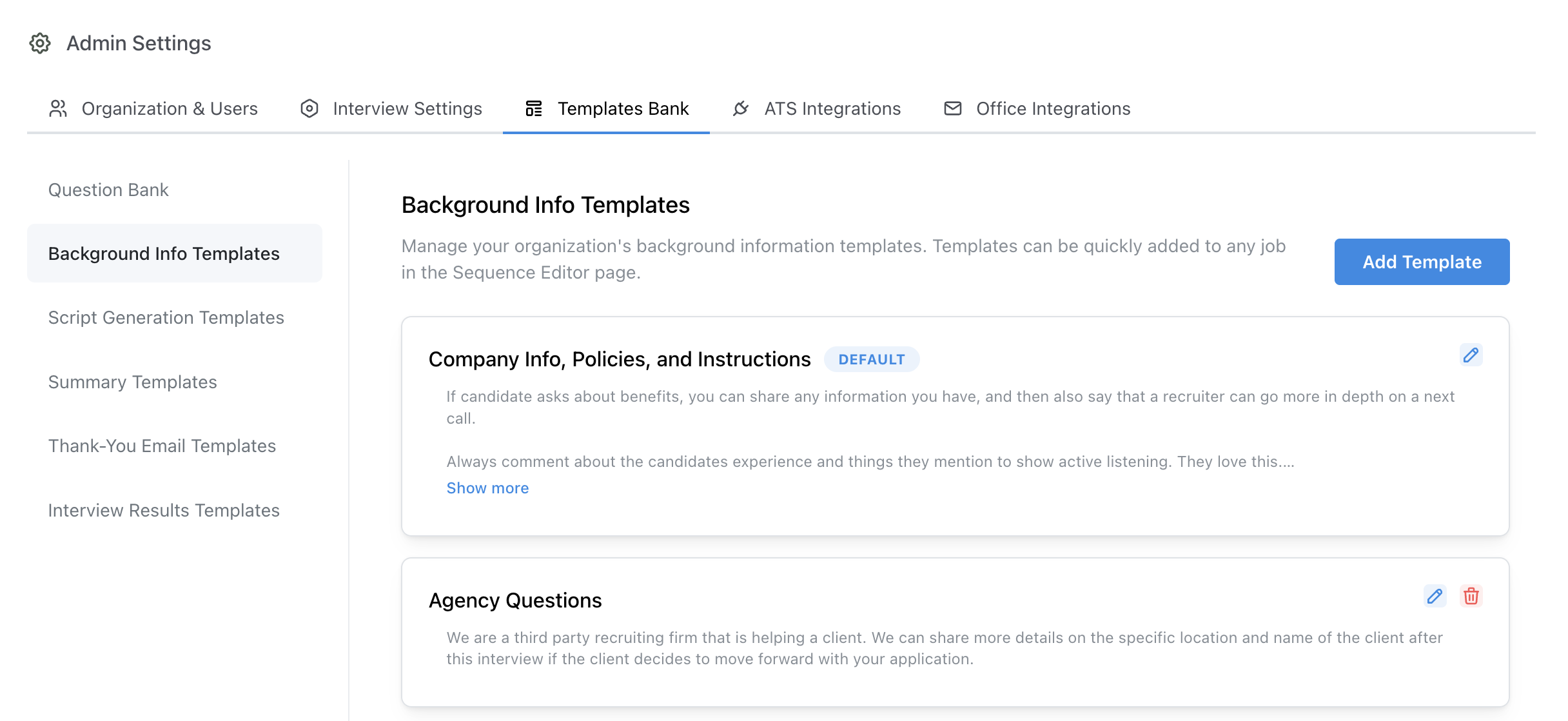 ## Configuring Background Info Templates
Your organization comes with an empty **Default** background information template. This template is automatically added to all jobs.
Typically this template is used for standard information about the organization that will apply to all jobs
and standard practices you'd like the AI recruiter to follow when communicating with candidates.
In addition to the default template, admins may create additional specific templates for specific sets of roles.
For example, a customer may want to provide the AI with information about the each of their offices, and therefore create a template for each office.
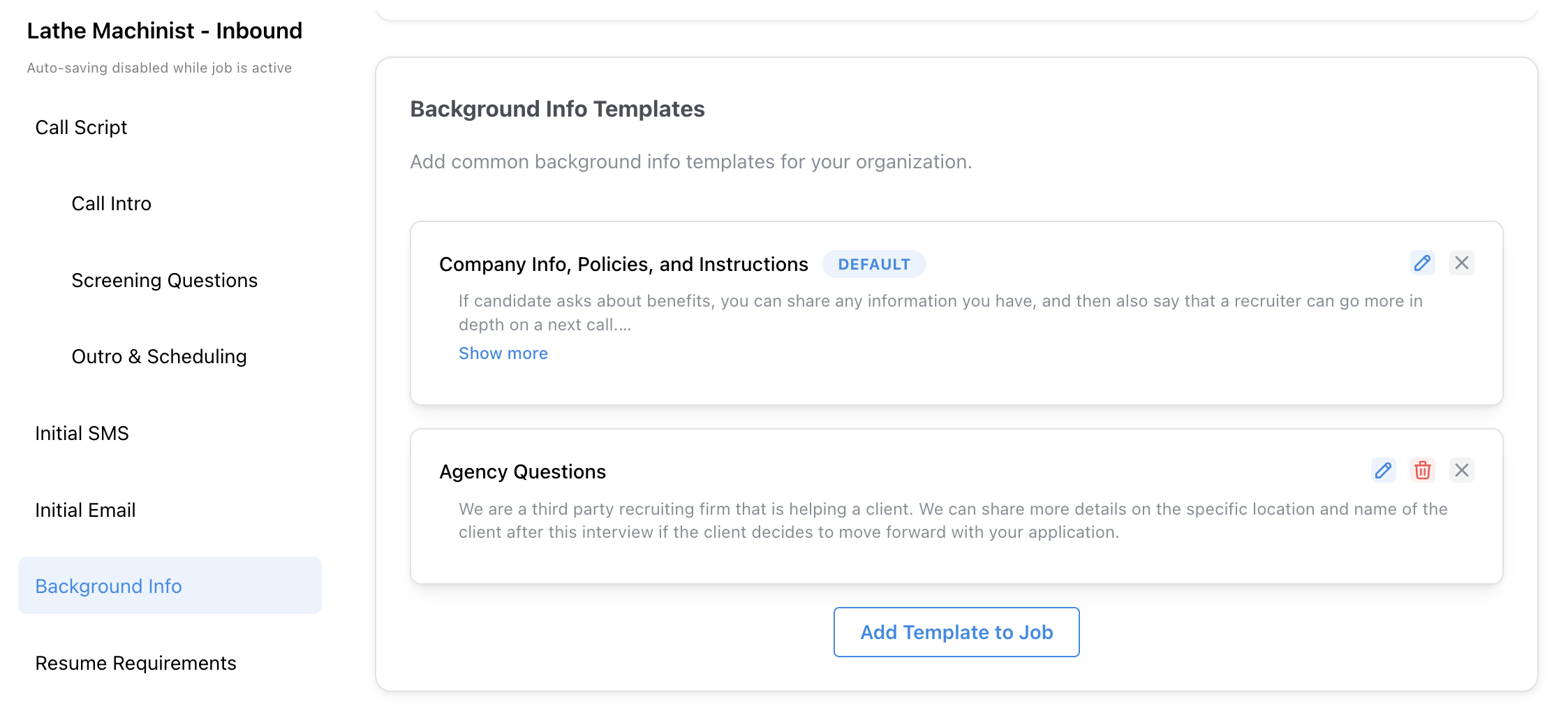
## Adding Templates to Jobs
Templates may be added to a job in the **Background Info** step of the configuration page.
## Configuring Background Info Templates
Your organization comes with an empty **Default** background information template. This template is automatically added to all jobs.
Typically this template is used for standard information about the organization that will apply to all jobs
and standard practices you'd like the AI recruiter to follow when communicating with candidates.
In addition to the default template, admins may create additional specific templates for specific sets of roles.
For example, a customer may want to provide the AI with information about the each of their offices, and therefore create a template for each office.
## Adding Templates to Jobs
Templates may be added to a job in the **Background Info** step of the configuration page.
 ## Rules Engine Implementation
Templates may also be added to interviews as **Actions** in the **Rules Engine**. This is a common way to conditionally map a set of jobs to specific background information.
## Rules Engine Implementation
Templates may also be added to interviews as **Actions** in the **Rules Engine**. This is a common way to conditionally map a set of jobs to specific background information.